
Logic Pro X is packed with powerful stock plugins that are genuinely capable of delivering professional mastering results — you don't always need expensive third-party tools.
Before mastering, make sure your mix has headroom between -12 dB and -8 dB on the master channel. Export in WAV or AIFF at 24-bit resolution before you begin.
Use Logic's MultiMeter to analyse frequencies and check the technical side of your track. Look for frequency imbalances, stereo width issues, and dynamic range. This informs every decision you make downstream.
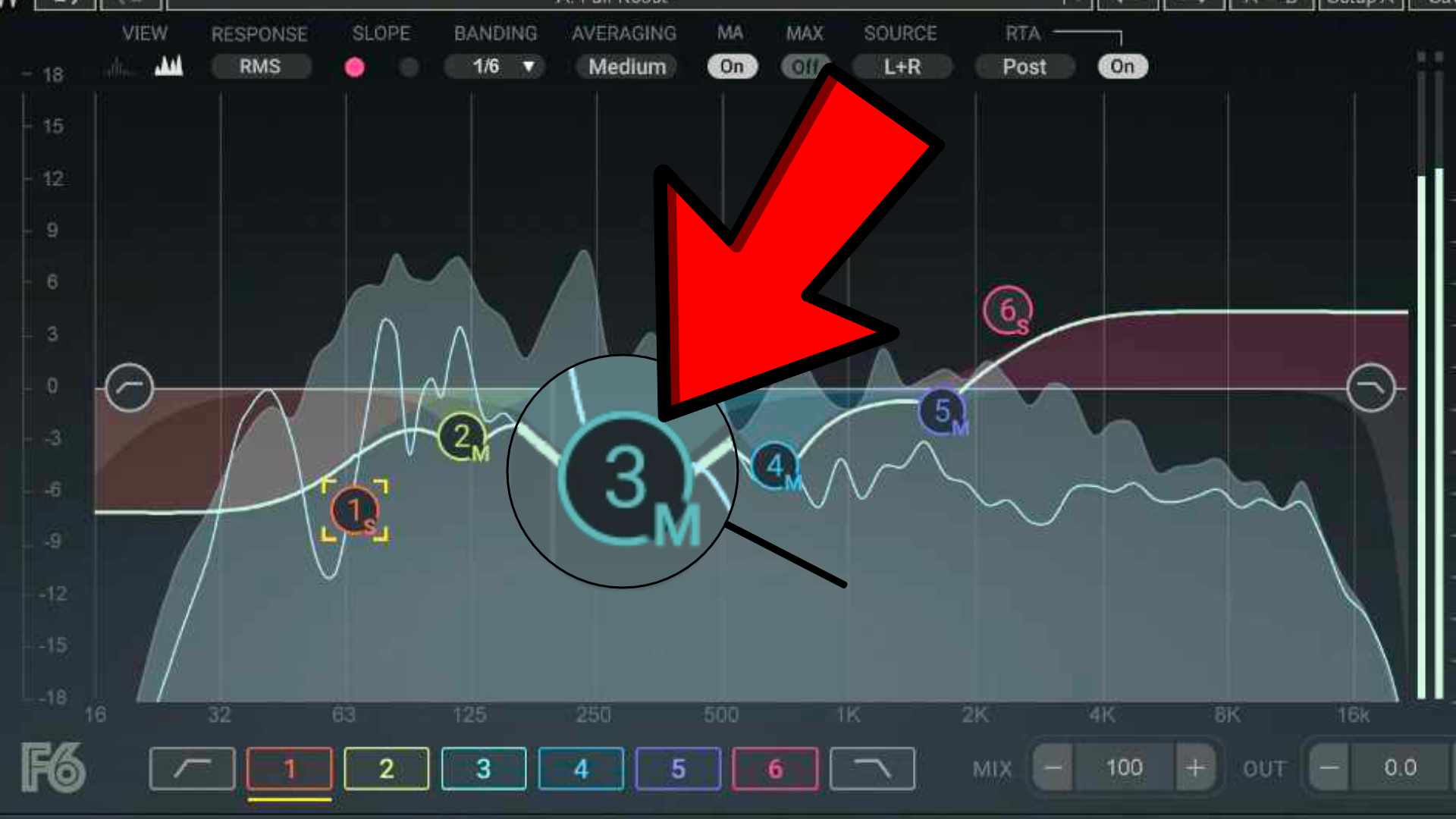
Logic's Linear Phase EQ is perfect for mastering because it processes without phase artifacts. Use subtle, broad moves — gentle low shelves to control mud, smooth high shelves for air, narrow cuts for problem resonances. Less is more.
The Multipressor is Logic's multiband compressor. Used subtly at the mastering stage, it evens out frequency-band imbalances. Use wide crossover points and gentle ratios (2:1 or less).
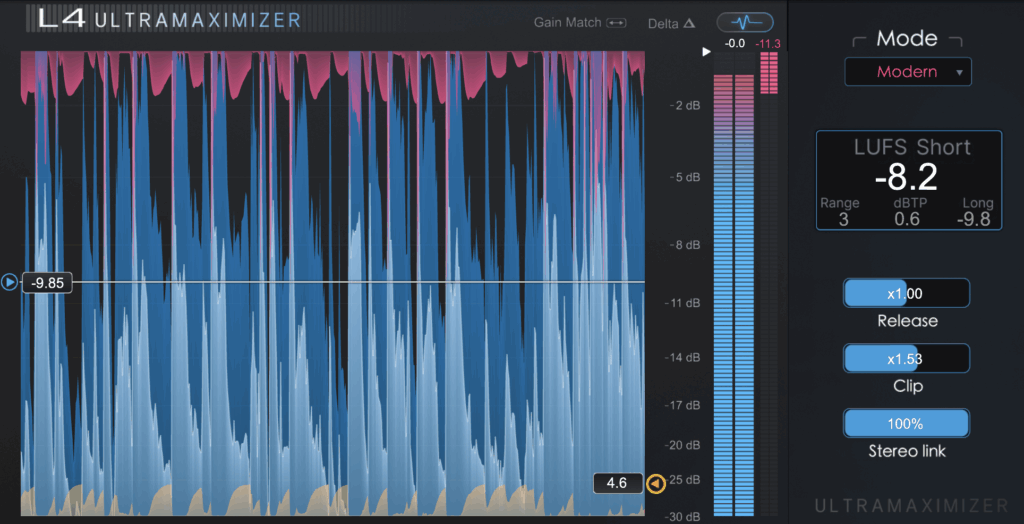
Logic's Adaptive Limiter is a solid true-peak limiter. Set the Output Ceiling to -0.3 dBTP and gain-stage into it until you hit your target LUFS. For Spotify: -14 LUFS. For Apple Music: -16 LUFS integrated.
Logic Pro's stock plugins are seriously underrated for mastering. With careful EQ, subtle multiband compression, gentle saturation, and transparent limiting — you can achieve professional results without spending a penny on third-party tools.